
Quick checks
| What you see | Likely cause | Fix |
|---|---|---|
| A booking site still shows a night you sold by phone | The site hasn't read InnRow's calendar yet | Wait for its refresh, or close the night by hand from the close these dates now card |
| A booking-site reservation never appeared in InnRow | Export link missing, wrong, or pasted against another room | Re-copy the site's export link (ending in .ics) and paste it against the matching room |
| The link is rejected | It isn't an .ics link, or the name has underscores (Agoda) |
Copy the export link again; rename the calendar without underscores |
| Agoda sync won't connect | The room type has more than one unit | List the room as its own room type, or manage that type's availability in YCS |
| An Expedia hotel listing has no calendar option | Calendar sync isn't offered for that listing | Ask your market manager, or use a channel manager |
| Vrbo says "Something went wrong and the import failed" | Vrbo refuses links containing its own name | Copy InnRow's Vrbo link again from Settings → Booking sites; the new link uses a short code |
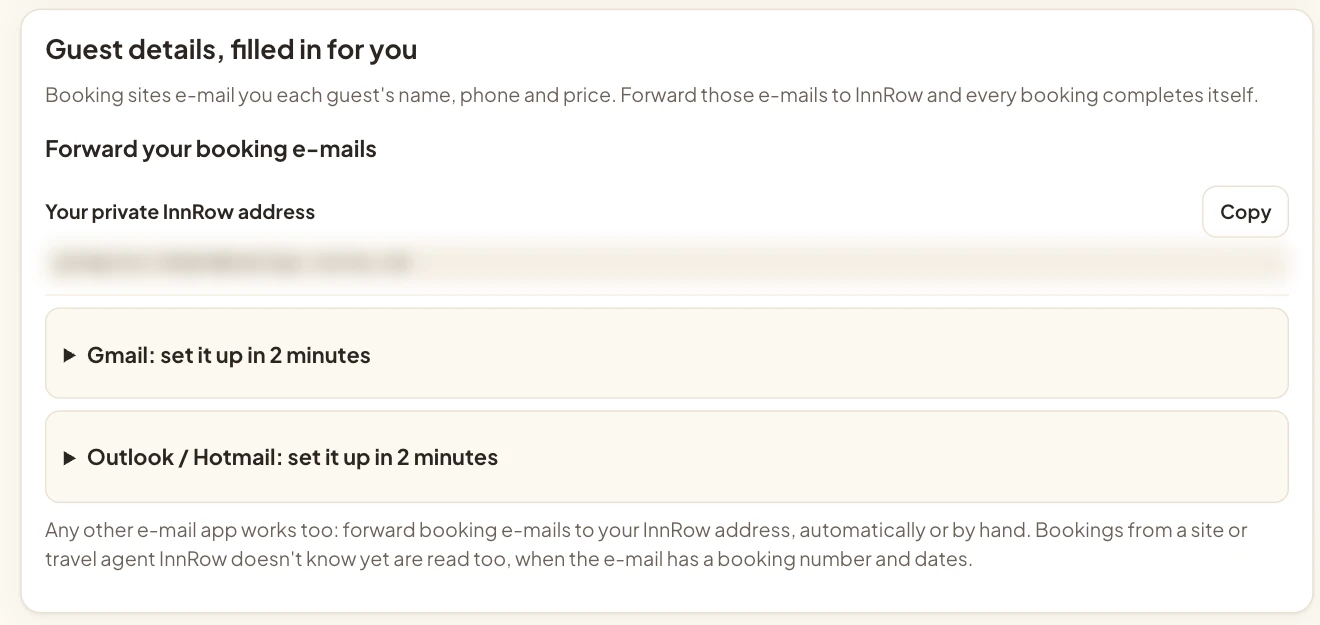
| A reservation arrived without a guest name | Calendar links carry dates only | Turn on booking e-mails so details fill themselves in, or complete them from the extranet |

How long each side takes
| Direction | Typical time |
|---|---|
| Booking site → InnRow | About 15 minutes; InnRow also checks when you open the app |
| InnRow → Airbnb | About every 3 hours; you can refresh an imported calendar by hand on the Airbnb website (Airbnb help) |
| InnRow → Agoda | A few times a day |
| InnRow → other sites | On each site's own schedule, often every few hours |
Because of these gaps, close same-day and next-day bookings by hand on the other sites. InnRow reminds you with the close these dates now card.
Use InnRow's calendar health
- Last read by each site shows when Airbnb, Booking.com and the others last fetched your InnRow calendar.
- Check our links tests every connection in both directions.
- An alert after 24 hours tells you when a site has stopped reading a link.
Still stuck?
- Disconnect the calendar on the booking site and connect it again with a freshly copied link. Airbnb recommends disconnecting and reconnecting an imported calendar to re-sync it.
- Make sure each room or listing has its own pair of links. One link per listing, in both directions.
- E-mail [email protected] with the room name and the site. Or open Help & support in InnRow and send a request with a screenshot of the calendar screen; paying plans can also WhatsApp the team.
Questions people ask
Why is my Airbnb calendar not updating?
Airbnb updates imported calendars about every 3 hours, and different imported calendars may update at different times. Refresh the imported calendar by hand on the Airbnb website, check the link ends in .ics, and reconnect it if it still fails.
Why did a booking come through with no guest name?
Calendar (iCal) links only carry dates. Forward the site's booking e-mails to InnRow, or connect your mailbox, and the guest's name, phone, price and booking number fill themselves in within about 15 minutes. Booking e-mails.
How do I share my Airbnb calendar with a cleaner?
Give them a staff login with the housekeeping role in InnRow, which shows room status only, or share Airbnb's calendar export link with a calendar app they use.