
Notes for Agoda
- The room type needs a single unit of availability for calendar sync.
- Agoda may not accept calendar names with underscores.
- Copy Agoda's export link back into InnRow so Agoda bookings come in.
- Agoda reads outside calendars only a few times a day, so close same-day bookings on Agoda by hand. InnRow's close these dates now card links you straight to YCS.

Rooms with more than one unit
If one Agoda room type covers several identical rooms, calendar sync can't say which of them is booked. Either list each room as its own room type, or keep that room type's availability by hand in YCS. Single villas, cottages and individually listed rooms work well.
Set it up: Agoda step-by-step help
Questions people ask
Why is my Agoda calendar link not working?
Check that the room type has exactly one unit and that the calendar name has no underscores. Then use Check our links in InnRow to test both directions.
Do Agoda guest details come through?
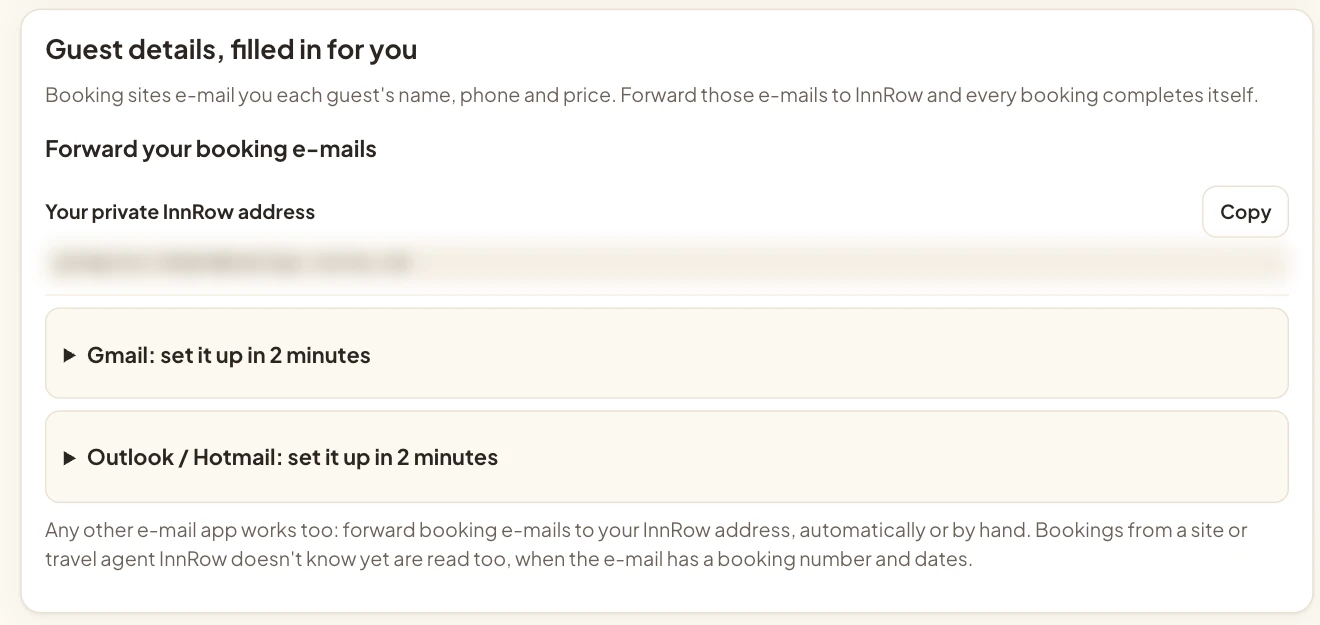
Yes, from Agoda's booking e-mail. The calendar carries dates only; forward Agoda's e-mails to InnRow or connect your mailbox and the guest, price and booking number fill themselves in.