
The four messages
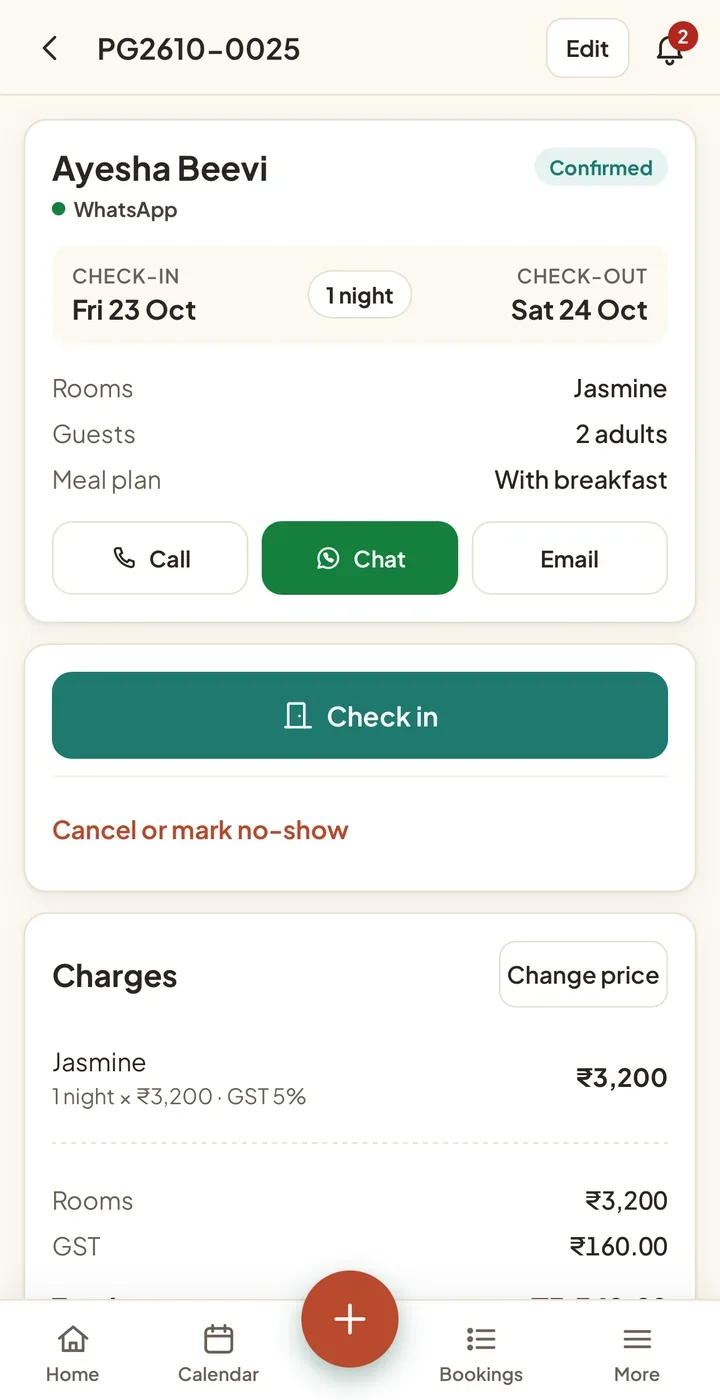
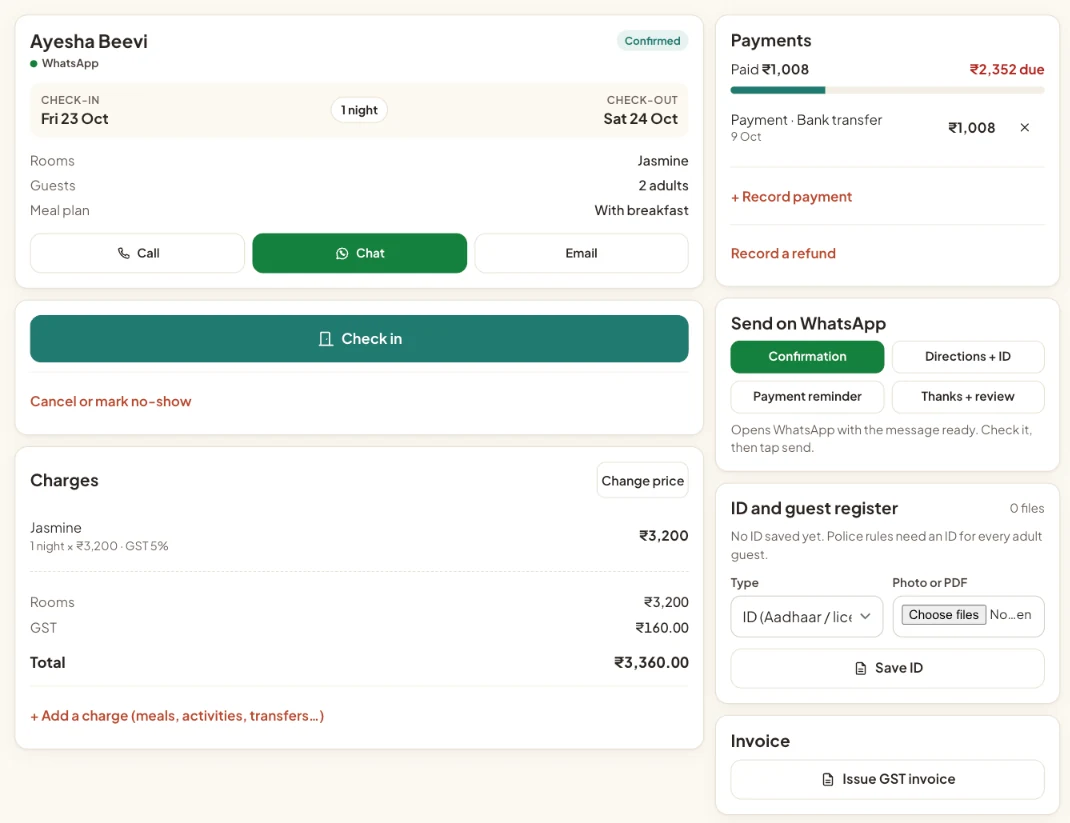
- Booking confirmation: dates, rooms, price, advance paid and balance due.
- Directions and ID request: your map link, check-in time and a request to send ID before arrival.
- Payment reminder: the amount due and your UPI ID.
- Thank you and review: a short thank-you with your Google review link.
Messages open in your own WhatsApp, so guests see your number, not ours.
In the guest's language
Each guest profile has a language for messages. Set it to Spanish, Arabic, Hindi or any of InnRow's 48 languages and every WhatsApp message and e-mail to that guest is written in it. Guests who book on your booking page are saved with the language they used. For guests whose language you don't know, InnRow uses the guest language set for your property.
E-mails with your name on them
Guest e-mails, such as the copy of a booking request, carry your property's name, logo and colour, not InnRow's. They use a clean card layout that reads well on a phone, in Gmail, Outlook and Apple Mail, with a plain-text version for every e-mail.
Need wording? Copy our booking confirmation message templates. Read how to manage WhatsApp bookings.