
| Role | Can do |
|---|---|
| Owner | Everything, including users, settings, refunds and deleting payments |
| Finance manager | Dashboards, payments, refunds within a limit, invoices and reports |
| Reservation manager | Bookings, holds, cancellations, check-in and check-out, guests, payments, blocks |
| Booking and inventory manager | Calendar, rates, seasons, extras, blocks, booking-site calendars, housekeeping, reports |
| Front desk or caretaker | Today's arrivals and departures, check-in with ID photos, extras, payments, housekeeping |
| Housekeeping | Room cleaning status only |
Limits and the activity log
Set the largest discount and refund each person can give. Anything larger needs the owner. The activity log records who created, changed or cancelled each booking and payment, with the time.
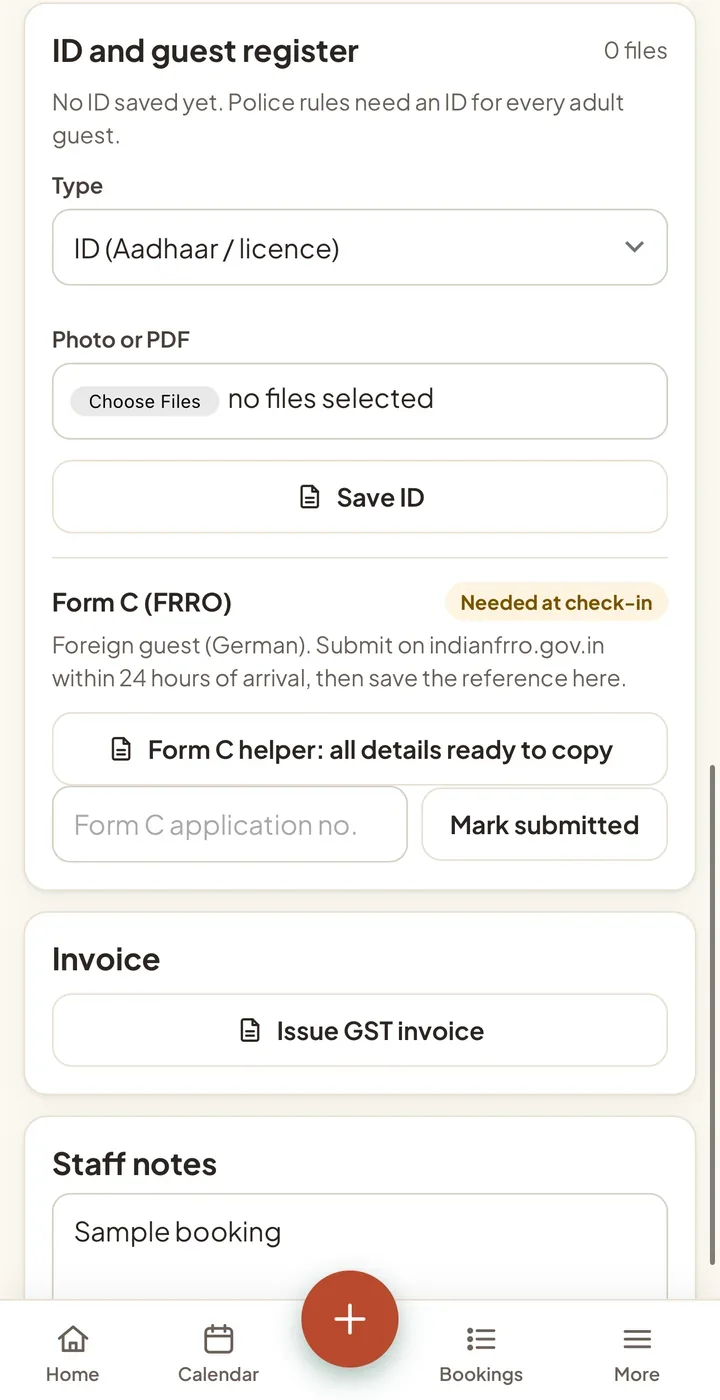
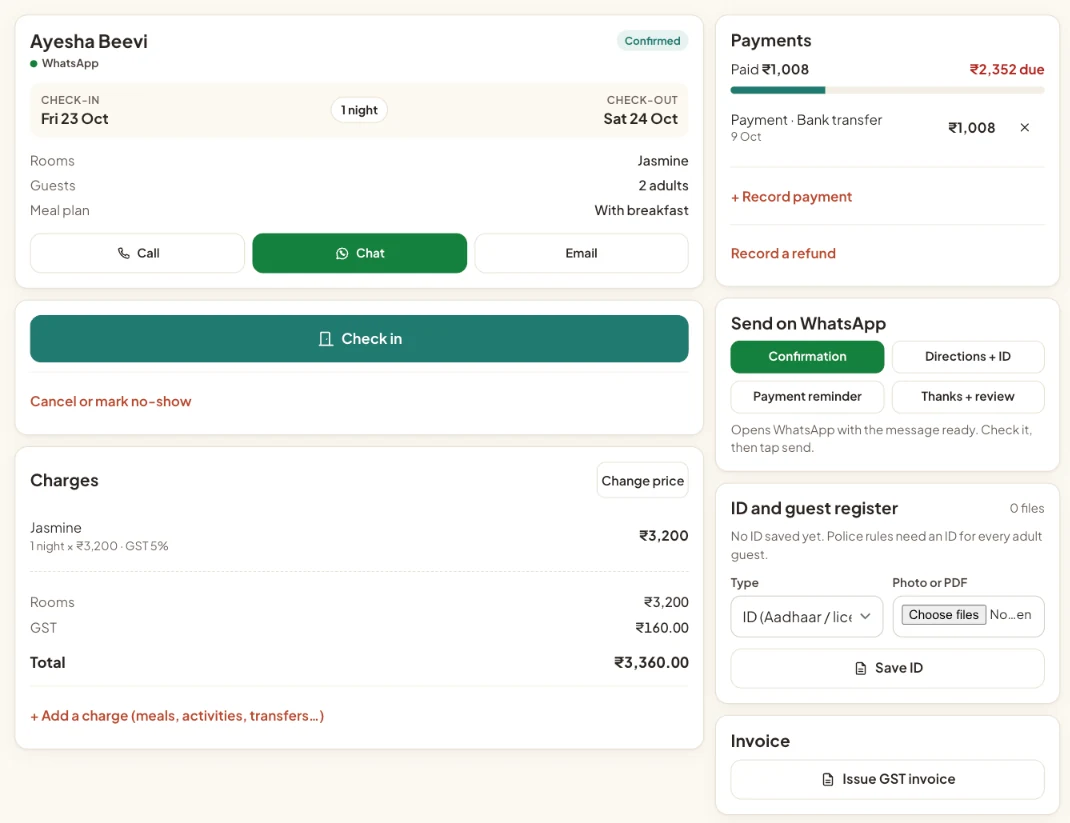
Guest IDs only for the roles that need them (2.13)
- Owner, Reservations and Front desk can open ID photos, Form C, the guest register and guest exports.
- Finance and Inventory can't, and ID numbers are hidden from them on the guest page. Housekeeping stays fully blocked.
- Refund limits count every refund a staff member makes on a booking, so three small refunds can't get past a limit.
Questions people ask
Who can see guest ID photos?
Only the Owner, Reservations and Front desk roles. Finance, Inventory and Housekeeping can't open ID photos, Form C or guest exports.